Artist Tools
Use our artist apps and tools to assist you in reaching an audience, finding a venue, and growing funding opportunities. Contact Tom Pease if you have any other ideas for artist tools.
Fundraising Studio
In 3 easy steps, this app will help you get your fundraising campaign off to a good start. In step 1, you determine your target audience and your budget. Step 2 will allow you to input some pertinent information, then with a click of a button, you will have a PDF or JPEG file that you can download and insert into a fundraising email. In step 3, you can download a CSV sample spreadsheet (import into Google Sheets or Excel) to track your donors.
A Guide to Nonprofit Boards
This is a Google Notebook of curated sources that can answer your questions about dealing with nonprofit boards of directors. Ask it any question about boards governance or leadership and it will respond with information taken only from the notebook’s sources. You can then make reports, slide decks, or even videos using the information. Please note: Anything that you do not delete may be viewable by the next user. It is best to download your work and then delete it from the notebook.
Venue Scout
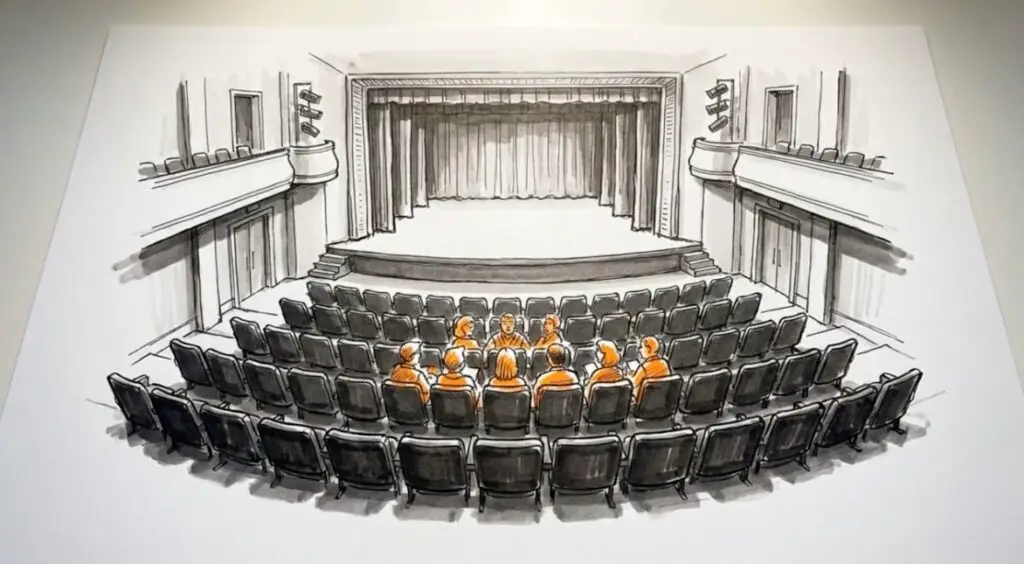
In 3 easy steps, this app will help find a venue that is suitable for your arts event based on criteria such as location, number of seats, and stage size. Once you fill out the information in all three steps, click the “Run Search Match Now” button. It will take a minute or two to give you results. You can also check out our table at the bottom of this page to find other local venues, or visit Burbank Arts for another listing.
Email Graphic
This app will output a graphic that advertises your upcoming event. It is suitable for inclusion in an email. There are no instructions. Just type in the information like where, when, and ticket cost, and describe what graphic style or theme you’d like. It will give you a graphic you can use in your email advertising.
Arts Funding & Growth Assistant
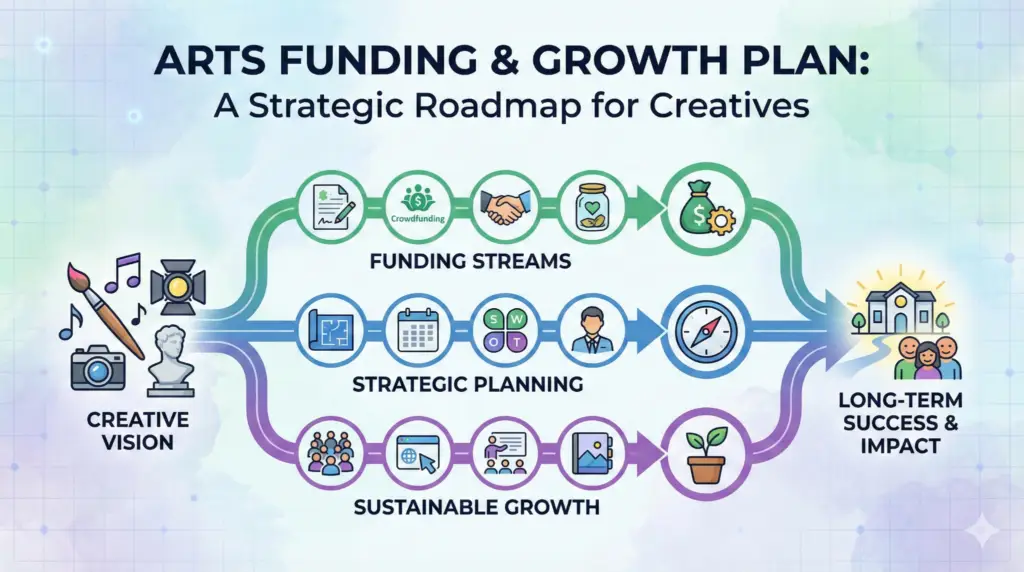
This app will help you develop a funding and growth plan. Give it the info it requests and it will output a detailed plan on how you might achieve your goals. Note: Once you enter your info and hit “Submit,” it will take two or three minutes to generate its report.
Building Your Audience
This short video explores how applying some of the principles of system dynamics can help build your arts audience. It gives you strategies to go beyond just friends and family audience members and gives you insights as to how to think about expanding your followers.
The Art of Collaboration
Explore how collaboration can help you grow an audience and grow your artistry. When artists from various arts disciplines collaborate on a project there are many benefits. They gain new insights into their art and they expand their audiences. The same is true when artists collaborate with other nonprofits, community groups, scientists, and local businesses. This notebook allows you to ask questions about how those collaborations might work and who might make a good collaborating partner. The notebook is not meant to give you answers, but to get you thinking.
Arts Spreadsheet
This is a planning spreadsheet that tracks income and expenses for an artist or arts organization for one year. It is itemized (Revenue – ticket sales, ad revenue, grants… and Expenses – artist fees, lighting designer, equipment rental…). The format is in Google Sheets, but it can easily be imported into Excel. If you have questions about the spreadsheet, contact Cindy Pease.
Below is a table of various venues in the Burbank area suitable for arts events. Please note that prices may change.